Concept Map Maker
Diagrams & FlowsCreate concept maps online for free. Connect ideas with labeled relationships, organize knowledge visually, and export as PNG. No signup required.
Free PNGNo signupNo watermark
Loading tool...
Was this tool helpful?
Watch the Tutorial
Drag a card and its links follow; switch between network, layered and web layouts, add and link a new concept, animate the map, then put it on the dark board.
How to Use
- 1
Start with a central concept
Type your main idea or topic in the center node.
- 2
Add related concepts
Branch out with connected concepts. Each node represents an idea.
- 3
Draw relationships
Connect nodes to show how concepts relate to each other.
- 4
Customize and export
Adjust colors, fonts, and layout. Download as PNG — free, no watermark.
Why Choose GraphMake?
Frequently Asked Questions
What is a concept map?
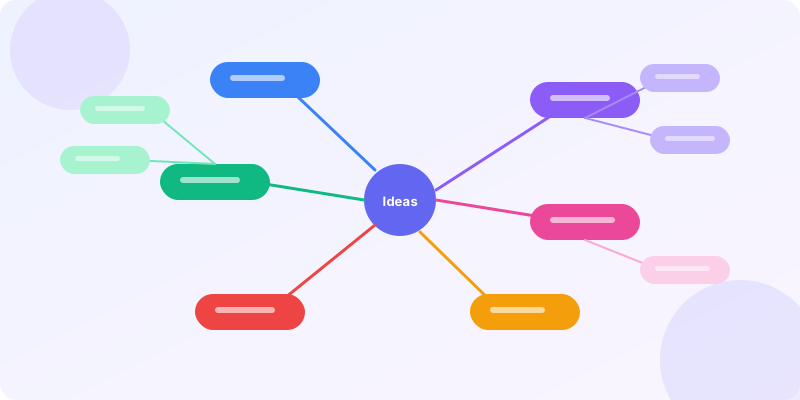
A concept map is a diagram showing relationships between ideas. Unlike mind maps (which radiate from one center), concept maps connect multiple concepts with labeled links, forming a network.
What is the difference between a concept map and a mind map?
Mind maps branch hierarchically from one central idea. Concept maps form networks with cross-links between any nodes. Use mind maps for brainstorming, concept maps for showing complex relationships.
How do I make a concept map online for free?
Use our concept map maker — add concepts as nodes, connect them with relationship lines, customize colors, and export as PNG. Free, no signup.
What are concept maps used for?
Education (organizing study material), research (mapping literature), business (knowledge management), and training (explaining complex systems). They're especially powerful for science and engineering topics.
How many concepts should a concept map have?
10-25 concepts is the sweet spot. Fewer feels sparse, more becomes hard to read. Group related concepts by color for clarity.
Can I add labels to the connections?
The editor supports labeled relationships. Use short phrases like "causes", "is part of", "leads to" on connection lines.
Related Tools
Free Mind Map, Brainstorm & Idea Map Maker
Capture ideas visually with a mind map, brainstorm map, or idea map. Start from examples for projects, study notes, strategy, or content planning — free, no signup, no watermark.
Try it freeFree Branching Flowchart Maker Online
Create branching flowcharts online for free. Use real decision diamonds, labeled Yes/No paths, 9 ANSI-style shape types, 4 visual themes, starter presets, and sharp PNG export. No signup, no watermark.
Try it freeDiagram Maker
Create professional diagrams online for free. Choose from 14+ diagram types — flowcharts, mind maps, org charts, timelines, Venn diagrams, and more. No signup required.
Try it freeFree Venn Diagram Maker
Create beautiful Venn diagrams in seconds. Visualize overlapping relationships, compare groups, and show shared traits. Free online tool — no signup required.
Try it free