Free Donut Chart Maker
Charts & GraphsCreate clean donut charts online for free. Show proportions with a modern ring layout, add a center label, and download as PNG. No signup required.
Free PNGNo signupNo watermark
Loading tool...
Was this tool helpful?
How to Use
- 1
Open the tool
Launch the free donut chart maker — it opens straight into donut mode, no account needed.
- 2
Pick a starter
Start from a budget or revenue example, or edit the defaults straight away.
- 3
Click the chart and type
The chart itself is the editor — click the title, any legend label or value, or the center of the ring to type. Drag the round handle on the rim between two segments to resize them against each other.
- 4
Customize the design
Recolor a segment, show a total or custom label in the center, choose label mode and legend position, and pick a theme.
- 5
Export
Download your donut chart as a PNG that matches the preview 1:1 — free, no watermark.
Why Choose GraphMake?
Frequently Asked Questions
What's the difference between a pie chart and a donut chart?
A donut chart is a pie chart with a hollow center. The hole creates space for a total number or label, making it useful for dashboards. Both show parts of a whole — the choice is mostly aesthetic. Read /blog/how-to-make-pie-chart for a detailed comparison.
Can I put a label in the center of the donut?
Yes. Click the center of the ring to type a total value or a custom label — it updates live as part of the chart.
How many segments should a donut chart have?
3 to 6 segments is ideal. More than 7 makes thin slices hard to read. If you have many small categories, group them into an "Other" segment — small slices automatically get a leader-line callout so their label never gets lost.
Can I use this in a larger infographic?
Not inside this studio: it downloads a finished chart as a PNG (SVG with Pro). For a full infographic, the /editor has a Donut Chart widget you can combine with stat cards, bar charts, timelines, and 60+ other widget types.
Related Tools
Free Pie Chart & Pie Graph Maker
Create pie charts, pie graphs, and circle charts online for free. Enter slice labels and values, customize colors and percentages, export as PNG — no signup, no watermark.
Try it freeFree Chart Maker Online
Create bar, pie, line, donut, and other charts online for free. Data visualization without code — paste your data, customize colors and labels, then export a clean PNG instantly. No signup, no watermark.
Try it freeFree Stat Card Maker
Create eye-catching statistic cards for infographics, dashboards, and presentations. Highlight key numbers with bold typography and icons. Free, no signup.
Try it freeLearn More
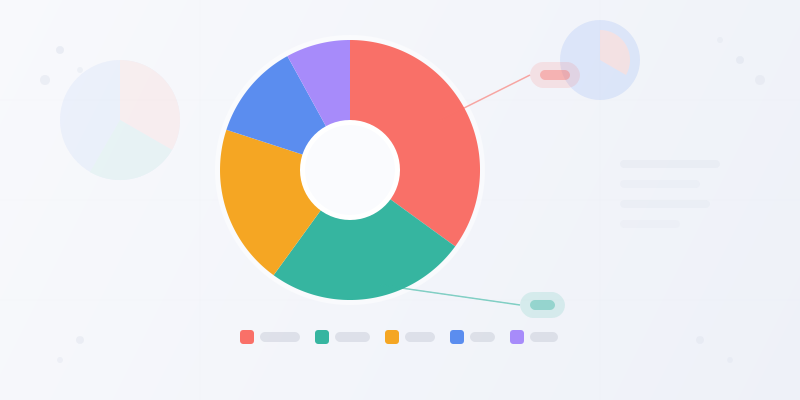
How to Make a Pie Chart: When to Use One and How to Get It Right
Pie charts are simple — and easy to mess up. Here's when a pie chart is the right choice, how to structure your data, and how to make one that actually communicates.
Read more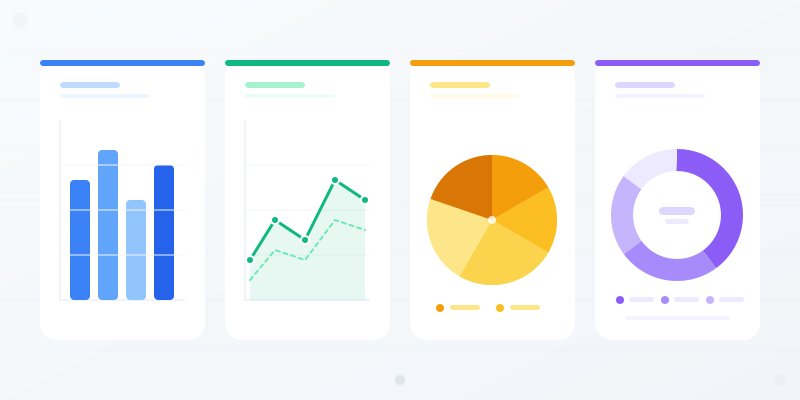
Chart Types Explained: Which Chart Should You Use for Your Data?
Bar vs. line vs. pie — every chart type has a job. Here's when each one works, when it doesn't, and how to pick the right format without overthinking it.
Read more
Data Visualization Best Practices: 6 Rules for Better Charts
Most charts fail because of a handful of avoidable mistakes. Here are the rules that separate clear, effective data viz from confusing noise.
Read more